
"Your accounts are linked."
If you run multiple cross-border accounts, you've probably seen this line. A store gets suspended, an ad account gets restricted, an appeal gets rejected — and the reason the platform gives is often just those few words. Sellers have changed everything they can think of: different registration entities, separate payout accounts, residential IPs instead of data center IPs, even a separate computer for each account. Then they appeal again, and get the same result.
The hard part is that the platform won't tell you what it actually read. No basis for the decision, no checklist of what to fix. Often you can only guess. And the cost of guessing wrong is usually the store.
Most teams suspect the network layer first. Whether the IP is clean, whether it's residential, whether the ASN checks out — those things matter. We've written before about choosing between static and dynamic residential IPs. But platforms don't judge linkage only at the network layer. IP is actually the easiest layer to change, and the one everyone else thinks of too.
Platforms Read Three Layers of Signals
Break down what risk control actually reads, and it falls roughly into three layers.
Network layer: exit IP, IP type and ASN ownership, historical risk score of that IP range, DNS resolution path, and whether WebRTC exposes the local internal address. This is the layer sellers have patched most diligently over the past few years, and the one proxy providers have solved most maturely.
Browser layer: User-Agent, Accept-Language, timezone, screen resolution and color depth, Canvas rendering results, WebGL-reported GPU and driver strings, audio context fingerprint, font list, plugin and extension list. This layer needs no system permissions — a page script can read it all in one pass, and it's stable and reproducible: refresh the same environment a hundred times, and the values are basically identical.
Hardware and system-derived layer: CPU logical core count, device memory capacity, GPU model, OS version and patch characteristics, input device rhythm. This layer is more hidden, but it's especially effective at identifying virtual environments and automated operations.
Of the three, only the network layer can be completely changed by swapping a line. The other two follow the device. So once everyone has changed their IPs, the dimension that actually creates separation in risk control lands on the browser environment.
Some cases look contradictory: five stores, five residential IPs, five separate machines, and two still get flagged as linked. The problem may not be the network. Those two machines might be running the same browser environment — for example, two Chrome user directories on the same computer, or simply a copied profile.
Three Practices Often Mistaken for "Anti-Linkage" That Actually Don't Work
These three practices are widely circulated in seller groups, but each has a clear technical flaw.
1. Incognito mode
Incognito mode only clears local storage — cookies, LocalStorage, session data. It doesn't change fingerprint parameters at all. Open a second account in an incognito window on the same computer, and Canvas, WebGL, fonts, timezone, language all read about the same as a normal window. Risk control compares these values, and they match. Incognito clears login traces, but not device characteristics.
2. Plugins that only change User-Agent
Plugins that only change the User-Agent string look like they're switching devices, but often make things worse. Risk control doesn't look at a single field; it looks at whether fields are self-consistent. If the UA claims macOS Safari, but WebGL reports Windows Direct3D, and navigator.platform still says Win32, those three contradict each other. A real environment is internally consistent; a patched-together one stands out. A contradictory environment is easier to pick out than an ordinary one with no disguise.
3. Virtual machines or stacking physical computers
The problem with virtual machines is concentrated features. GPU often reports VMware SVGA or VirtualBox, driver versions are limited to a few fixed values; CPU and memory are often standard tiers like 2 cores/4GB or 4 cores/8GB; mouse trajectories tend to be linear. Any single item may not be fatal, but stacked together they look like a recognizable environment.
Stacking physical computers runs into cost and management. Five stores, five machines, five IPs — hardware, space, and maintenance all cost money. And once a machine has had a problem, every environment on that machine carries that history. If anyone on the team cuts corners and logs two accounts into the same machine, all the previous machine-separation work is wasted.
Fingerprint Parameters Are Really About Consistency, Not Randomness
This is easy to get backwards. Many people think fingerprint disguise means making every environment different, as random as possible. It's actually the opposite. The goal is to make each environment look like a real, stable, self-consistent user.
A real browser environment looks like this: IP in Los Angeles, timezone America/Los_Angeles, system language English (US), a common 1920×1080 screen, default Windows or macOS font set, and a WebGL-reported GPU model that matches the machine's positioning. All these values line up with each other. Nothing needs explaining.
A disguised environment with random values can easily produce a combination like this: IP in Los Angeles, timezone still UTC+8, language Simplified Chinese, UA claiming macOS, but Canvas rendering a Windows font stack. Every value looks "normal" on its own, but together they describe a user that doesn't exist in reality.
So judging whether an environment is well made isn't about how many parameters were changed. It's about whether those parameters can be explained together. The correspondence between timezone, language, and IP location is the easiest group to check — and the easiest to get wrong.
Environment Isolation Comes Down to "One Account, One Environment, One IP"
Putting it all together, multi-account environment isolation isn't complicated, but it demands proper execution.
One independent browser environment per account. This environment must independently store its own cookies, local storage, cache, fingerprint parameters, and session data, sharing nothing with others. Not several windows in the same browser, not several user directories on the same machine — real physical-level isolation.
Each environment bound to one fixed IP, with matching location. The account's market determines the IP region, and the environment's timezone and language align accordingly. One easily overlooked point: don't change IPs frequently. An account logging in from the same exit for a long time looks like "the same person always in the same place." Switching lines every day looks abnormal.
Environment and account bound long-term. The relationship should be stable, not temporary borrowing. Today environment A, tomorrow environment B, is like letting the platform see the same account jumping between two different "people." The more stable the relationship, the better.
Team members assigned permissions by environment. Multiple people sharing one computer and one set of login credentials is a high-risk area for linkage problems. An employee leaves and takes the environment, or two people accidentally log into each other's accounts — the loss is hard to trace. Permissions should be assigned to people and to specific environments; when someone leaves, revoke access immediately.
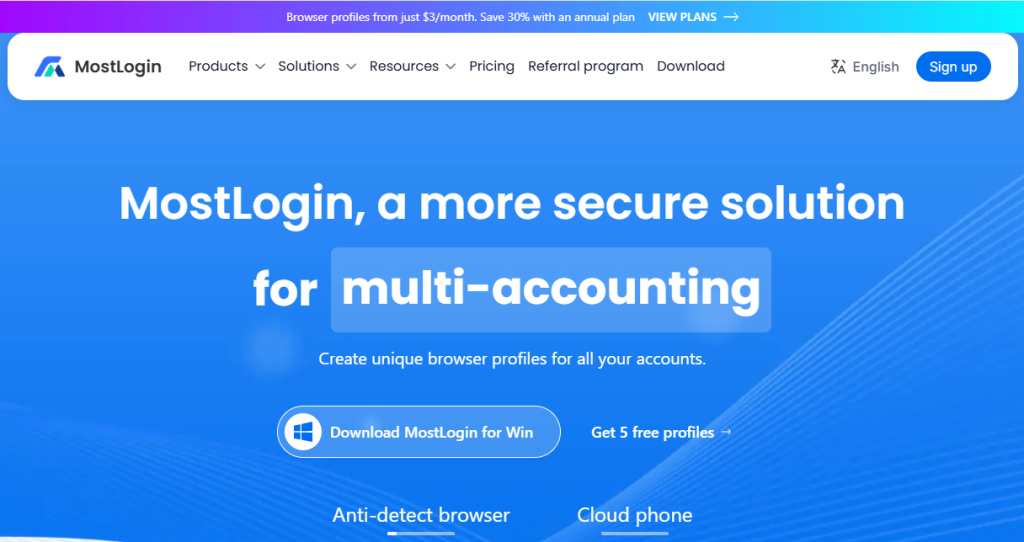
To maintain dozens or hundreds of such independent environments across one or several computers, manual switching isn't realistic. This is where fingerprint browsers come in. Take MostLogin as an example: it assigns each account an independent browser environment, with cookies, storage, fingerprints, and session data kept separate, sharing no identity information. Environments can be bound to proxy IPs and grouped, searched, and managed within a workspace. For team collaboration, it supports assigning environment permissions by member, and revoking them directly when roles change without changing passwords. For teams managing dozens to hundreds of accounts, what's saved isn't just switching time — it's more about avoiding low-level mistakes like "two accounts accidentally sharing one environment."
On onboarding cost, MostLogin gives 5 free windows after registration. Core features like environment isolation and fingerprint configuration are available, so you don't have to pay before validating the workflow. For teams with only two or three stores, or those who want to run through it once before scaling, those 5 windows are enough to start.
Two other modules are easily overlooked: built-in cloud phones and free proxy IPs. Cloud phones are Android systems running in the cloud — useful for TikTok, Instagram, and other app-first platforms. Changing a mobile UA in a desktop browser is one thing; having the account actually run in an Android environment is another. Free proxies mean once the environment is built, you don't need to find a network exit elsewhere. For teams just starting to build multi-account environments, the cost and time from zero to the first usable environment are low. You can validate first, then scale.
Common Pitfalls
Running multiple accounts in one environment. This is the most common and most fatal mistake. The entire value of an environment is isolation. Once reused, you've put the evidence of two accounts in the same drawer.
Environment and IP region mismatch. Timezone, language, and geolocation in the environment must match the IP location. IP in the US, timezone still UTC+8 — this combination is almost a giveaway to risk control.
High-frequency operations in a new environment. Whether it's a newly registered account or an old account just migrated to a new environment, it's not suitable to immediately start bulk listing, bulk posting, or bulk adding friends. First browse, dwell, and go through normal flows at a regular user's pace, then gradually increase to operational intensity.
Treating a fingerprint browser as a universal anti-ban key. This needs to be clear. Fingerprint browsers solve "environment isolation and consistency." They don't change the account's registration details, business behavior, product compliance, or content quality. Platform risk control is multi-dimensional. No tool can guarantee an account won't be banned. It reduces the probability of misjudgment due to environment issues — it doesn't eliminate all risk.
Using it outside compliance boundaries. A fingerprint browser is an environment management tool. Multi-account operations must comply with platform rules, and data collection must respect target websites' terms and local laws. Using it for things platforms explicitly prohibit — account-level consequences are already the lightest outcome.
FAQ
Q1: If I use a fingerprint browser, will my accounts never be linked?
No. Fingerprint browsers solve the browser environment layer. Platforms also look at registration details, payout accounts, IP, business behavior, and content. It can reduce the risk of misjudgment due to environment overlap, but it won't make accounts immune to risk control.
Q2: Is a fingerprint browser an alternative to proxy IPs, or do I need both?
No, they're complementary. IP handles the network exit; fingerprint browsers handle the browser environment. Each covers one layer. With only IPs and no environment isolation, two accounts still collide at the browser layer. With only isolation and no IPs, the network layer becomes the weak point.
Q3: Is the free version enough?
Depends on scale. For three to five accounts, the free version usually covers it. Once you reach dozens of accounts, the key considerations aren't price but environment limits, whether data can be stored stably long-term, whether there's team permission management, and whether API integration for automation is supported. These determine whether the tool can keep up with your business, rather than needing migration every two months.
Q4: How should a team split work when multiple people operate the same batch of accounts?
Split by environment, not by account. One person manages one group of environments, each environment corresponds to a fixed account and IP, and permissions extend only to that environment. Sharing the main account password is the easiest and most dangerous approach.
Q5: Can I occasionally log into another account from one environment?
Best not to. "Occasionally" usually happens when someone temporarily borrows an environment for an emergency — and that's exactly the trigger for linkage. The value of an environment is built on long-term stability. One exception can erase previous accumulation.
Final Thoughts
Many problems in cross-border business that look like "mysticism" have concrete causes when broken down. Account linkage has been discussed enough at the network layer; the browser environment layer is often skipped. Not because it's unimportant, but because it's invisible — and unlike changing an IP, there's no clear action to take.
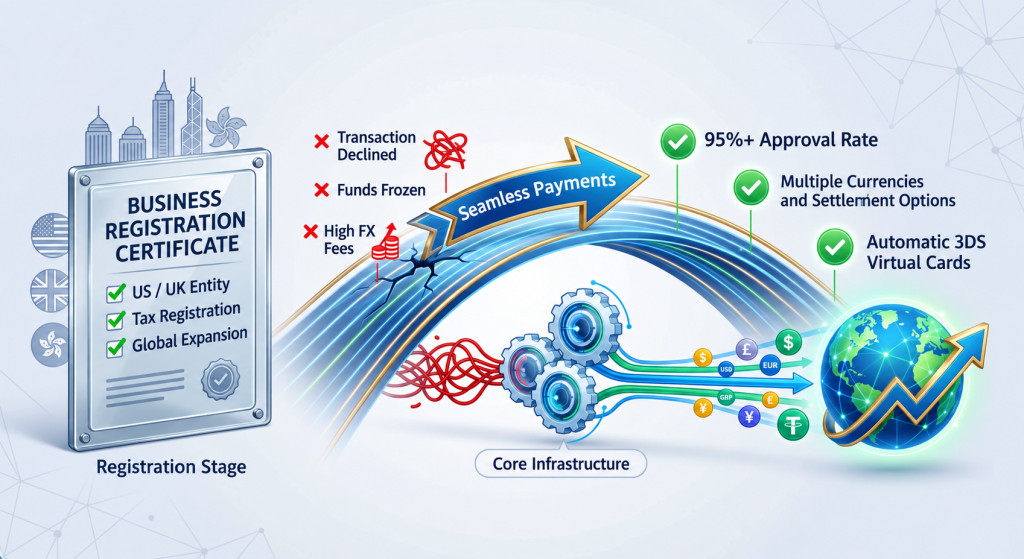
Once the environment layer is clean, account operations can have rhythm. Going global is a complete chain: the front end uses independent environments for multi-account operations, and the back end uses IngStart's one-stop service for overseas company registration, bank account opening, annual audits, and tax compliance — so every account has a real, compliant business entity behind it. When both layers are stable, account assets hold up.
If you still have questions, please contact our team on WhatsApp at +1213751 2111. We’ll help you find the right solution for your business and keep your company compliant as it grows.